

By Dawn Bowman
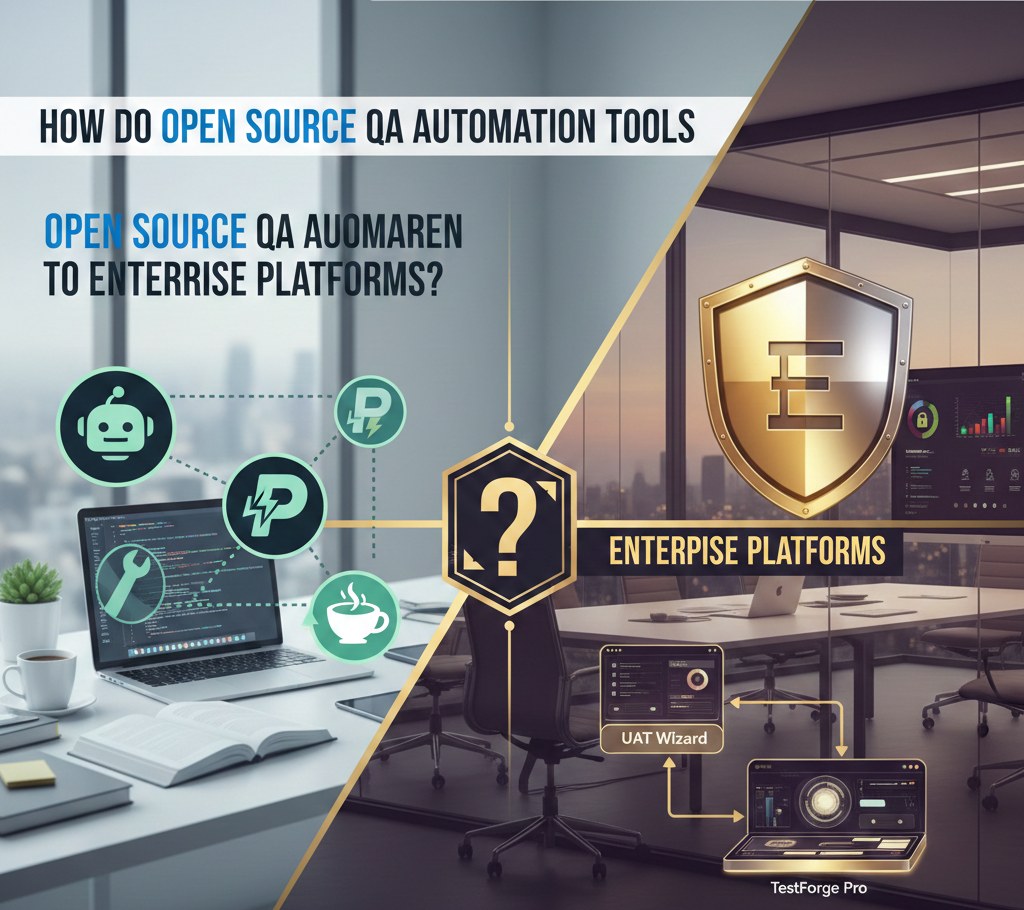
Software testing teams face a major decision in 2026: should they use open source tools or pay for enterprise platforms? Both options have clear benefits and drawbacks that affect cost, speed, and team efficiency. Open source tools like Selenium offer flexibility and control without licensing fees, while enterprise platforms provide built-in support, advanced features, and faster setup.
The choice between these two approaches depends on several factors. Teams with strong technical skills can often build powerful solutions with open source frameworks. However, organizations that need quick deployment and dedicated support may find better value in commercial platforms.
This article breaks down the core differences between open source and enterprise QA automation tools. It examines the specific factors teams should evaluate before they commit to either approach. The right choice varies based on team size, budget, technical expertise, and project requirements.
Key Differences Between Open Source QA Automation Tools and Enterprise Platforms
Open source and enterprise platforms take different approaches to testing needs, with distinct trade-offs in cost, features, and support. Organizations must weigh these differences against their specific requirements, team capabilities, and long-term goals.
Overview of Features and Capabilities
Open source QA automation tools provide basic testing functions that cover most standard needs. Teams get access to frameworks for web testing, API testing, and mobile testing without paying license fees. However, these tools require technical expertise to set up and maintain. Users must build custom solutions for advanced features like visual testing, parallel execution, or detailed reporting.
Enterprise platforms offer pre-built solutions for complex testing scenarios. They include built-in visual regression testing, cross-browser testing grids, and AI-powered test maintenance. The platforms ship with ready-to-use integrations for popular CI/CD tools and project management systems.
Many enterprise tools now feature codeless test creation interfaces. Teams can build tests through record-and-playback or visual editors instead of writing code. Open source alternatives lack this capability unless teams invest significant time to build custom interfaces or add third-party extensions.
Cost Structure and Licensing Models
Open source tools carry no licensing fees but create hidden costs through implementation and maintenance. Organizations must account for developer time spent on setup, custom feature development, and ongoing maintenance. A small team might spend weeks configuring a testing framework before running the first test.
Enterprise platforms charge subscription fees based on users, test runs, or feature tiers. Prices range from a few hundred to several thousand dollars per month. These costs include access to premium features, automatic updates, and managed infrastructure.
The total cost of ownership differs between the two options. Open source tools demand higher upfront investment in engineering resources. Enterprise platforms require predictable monthly expenses but reduce the need for specialized testing infrastructure.
Scalability and Enterprise Integration
Open source frameworks scale through manual configuration of distributed test grids and cloud services. Teams must handle server provisioning, load balancing, and resource management themselves. This approach works well for organizations with strong DevOps capabilities.
Enterprise platforms handle scaling automatically through managed cloud infrastructure. They run thousands of tests in parallel across different browsers, devices, and operating systems. The platforms adjust resources based on demand without manual intervention.
Integration capabilities vary significantly between the two options. Open source tools require custom scripts or plugins to connect with enterprise systems. Teams write code to integrate with test management platforms, bug tracking systems, and reporting tools.
Enterprise solutions provide pre-built connectors for common business tools. They sync test results with project management software, alert teams through communication platforms, and generate reports for stakeholders. Some enterprise platforms also connect with AI-powered review software, enabling teams to correlate test failures with direct customer feedback and adjust testing priorities based on real user pain points. These integrations work immediately after setup.
Support, Maintenance, and Community Involvement
Open source communities provide support through forums, documentation, and GitHub discussions. Response times vary based on community activity and the complexity of issues. Users might wait days or weeks for answers to specific problems. However, active communities release frequent updates and share solutions to common challenges.
Enterprise platforms include dedicated support teams with guaranteed response times. Customers receive help through multiple channels including phone, email, and chat. Support engineers troubleshoot issues, help with implementation, and provide best practice guidance.
Maintenance responsibilities fall entirely on internal teams with open source tools. They must monitor for security vulnerabilities, apply patches, and upgrade dependencies. This work requires ongoing attention from skilled developers.
Enterprise vendors handle maintenance tasks and push updates automatically. They test new versions before release, maintain backward compatibility, and notify customers of important changes. Organizations receive these benefits as part of their subscription.
Factors to Consider When Choosing QA Automation Solutions
The right QA automation tool depends on how well it adapts to unique workflows, protects sensitive data, and remains a stable choice for years ahead.
Customization and Flexibility
Open source tools offer unmatched freedom to modify code and adapt features to specific project needs. Teams can add custom functions, integrate with niche systems, and adjust workflows without vendor approval. This flexibility matters most for organizations with unique testing requirements or legacy systems that demand specialized solutions.
Enterprise platforms provide less code-level access but offer pre-built customization options through configuration panels and plugins. These tools excel at standard use cases but may require workarounds for unusual scenarios. Some vendors allow limited API access for custom extensions.
The trade-off centers on technical capability. Organizations with strong development teams benefit from open source flexibility. Those with smaller technical staff often prefer enterprise solutions that reduce the need for custom development. A company should evaluate whether its team has the skills to maintain custom code or if it needs vendor-supported features that work out of the box.
Security and Compliance Considerations
Security requirements differ based on industry regulations and data sensitivity. Open source tools require teams to manage their own security updates, vulnerability patches, and compliance documentation. The organization assumes full responsibility for secure deployment and maintenance.
Enterprise platforms include dedicated security teams that monitor threats, release patches, and maintain compliance certifications. Many vendors offer SOC 2, ISO 27001, and industry-specific compliance support. This becomes valuable for healthcare, finance, or government sectors with strict regulatory demands.
Data handling policies also vary between options. Open source solutions allow full control over where test data lives and how it moves through systems. Enterprise tools may store data on vendor servers, which requires careful review of privacy agreements and data residency options.
Long-Term Viability and Roadmap
Open source projects depend on community activity and contributor engagement. Popular frameworks with active communities receive regular updates and feature additions. However, projects can lose momentum if key contributors leave or if funding dries up. Organizations should review commit history, contributor diversity, and community size before selection.
Enterprise vendors provide published roadmaps and guaranteed support contracts. This predictability helps with multi-year planning and budget allocation. The risk shifts from community abandonment to vendor business changes, such as price increases or feature deprecation.
Market growth supports both options. The automation testing market will expand at a 16.8% annual rate from 2025 to 2031, which drives continued investment in both commercial and community-supported tools. Teams should assess whether they value guaranteed vendor commitments or prefer the adaptability of community-driven development.
Conclusion
Open source QA automation tools and enterprise platforms each serve different needs in software testing. Open source options provide flexibility and cost savings for teams with technical expertise. However, they require more maintenance effort and internal support resources.
Enterprise platforms offer built-in features, dedicated support, and faster implementation timelines. Organizations must evaluate their budget, team skills, and project requirements before they select a solution. The right choice depends on specific business goals rather than a one-size-fits-all approach.
